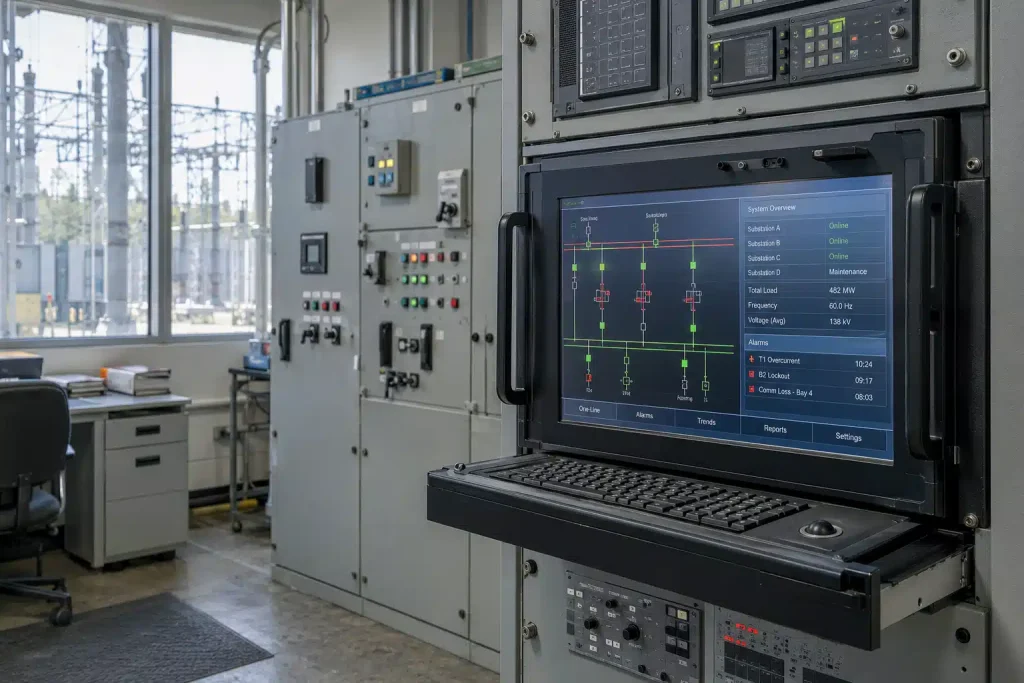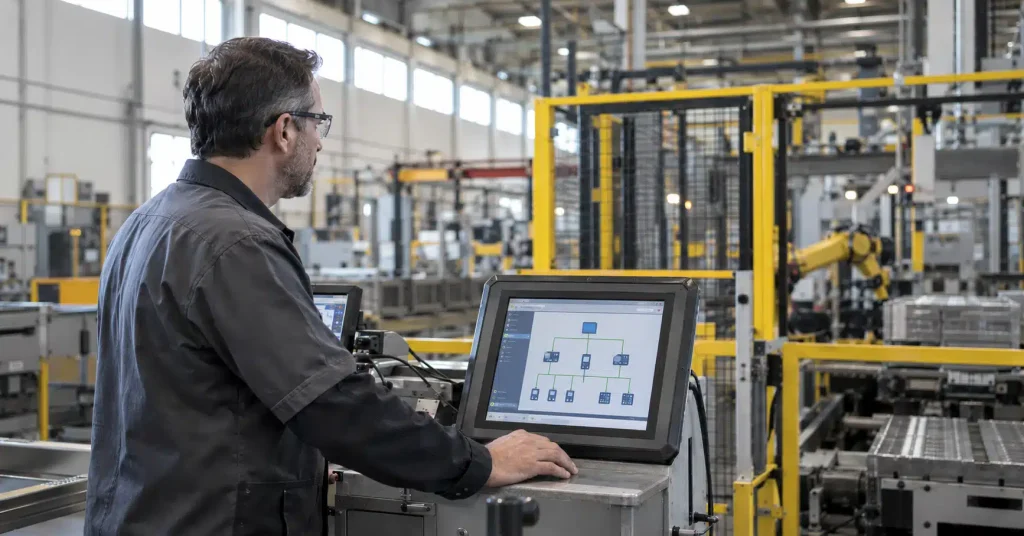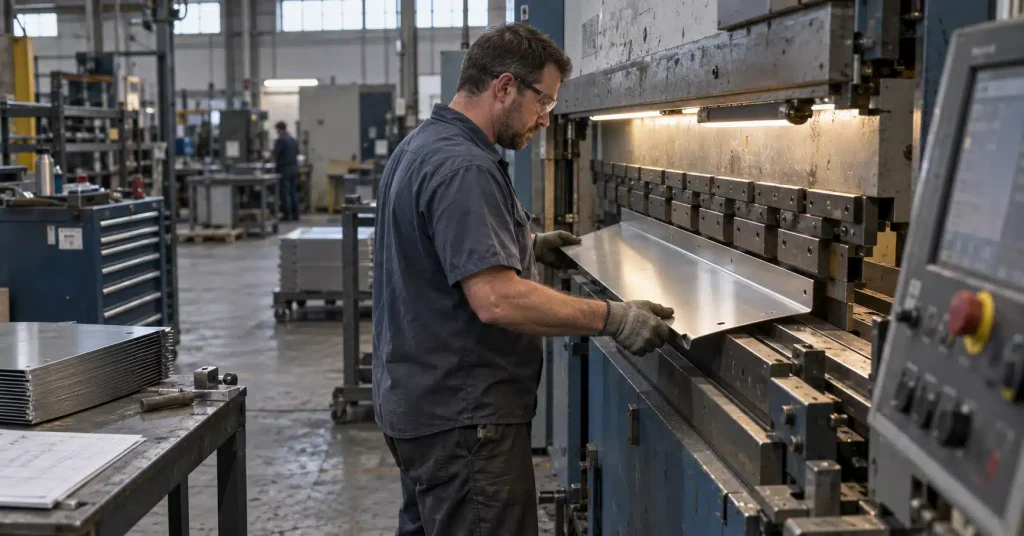
An industrial PC is built to survive exactly what kills a standard desktop tower on a plant floor. Dust cakes the intake fan until it seizes. A forklift’s vibration works a memory module loose. A summer without air conditioning pushes the CPU past its rated ceiling and the whole unit shuts down mid-shift. Understanding what actually separates industrial computing hardware from a repurposed office computer is the first step toward specifying equipment that survives your environment instead of becoming this quarter’s downtime statistic.
We’ve spent more than three decades designing, fabricating, and assembling computing hardware inside our own Ann Arbor, Michigan facility, and most of what we know about industrial PCs came from watching commercial-grade equipment fail in exactly the ways described above. This piece breaks down what actually defines an industrial PC, the specific failure modes that take down standard hardware on the plant floor, and the specs worth checking before you commit budget to new equipment.
What Is an Industrial PC
An industrial PC is a computer built from the ground up to keep running in harsh, uncontrolled environments where a standard office PC would fail within months. Rather than starting with consumer components and hoping for the best, manufacturers design industrial PCs around a rugged enclosure, filtered or sealed cooling, and internal components rated for a far wider range of temperature, vibration, and contamination than anything sold for a desk. The result is a machine built to run for years in conditions that would take down a commercial PC in a matter of months.
Most people who end up researching this topic are already responsible for specifying or approving computing hardware for a plant floor, a control cabinet, or a piece of automation equipment, and they’ve usually seen a standard PC fail in that role at least once. If that’s you, the good news is that the difference between an industrial PC and everything else comes down to a short list of concrete, checkable specs rather than a vague promise of ruggedness.
A handful of characteristics separate a true industrial PC from a ruggedized-sounding commercial box. When you’re evaluating a spec sheet, look for these markers specifically.
- Extended temperature range. These units are typically rated from -20°C to 60°C or wider, versus the 10°C to 35°C range most commercial hardware is designed around.
- A defined IP rating. Ingress Protection ratings, set by the international IEC 60529 standard, describe exactly how well an enclosure resists dust and water. Commercial PCs generally carry no IP rating at all.
- Fanless or sealed cooling. Fans are the single most common failure point in a standard computer. Industrial units are frequently fanless, relying on heatsink designs or sealed, filtered airflow instead.
- A documented MTBF figure. Mean Time Between Failures is a manufacturer’s calculated estimate of how long a unit should run before a failure is statistically expected. Industrial vendors publish this number. Commercial vendors rarely do.
- Environmental and safety certifications. Depending on where the unit gets installed, this can include vibration and shock testing methods referenced in standards like MIL-STD-810H, or a hazardous-location rating for environments with combustible dust or gas.
- A form factor built for the install, not the desk. Panel PCs, rackmount chassis, and DIN-rail nodes mount directly into a cabinet, machine, or wall rather than sit next to a monitor.
Why Commercial Hardware Fails on the Plant Floor
Commercial and industrial hardware often look similar on the outside, and in some cases they even share the same processor family. The real difference shows up in how each one behaves once it’s exposed to conditions a typical plant floor produces every day. The table below maps a specific stressor to what happens on standard hardware, and how an industrial PC is built to respond to the same conditions.
| Plant-Floor Stressor | What Happens on a Commercial PC | How an Industrial PC Responds |
|---|---|---|
| Vibration and shock | Loose connectors, cracked solder joints, hard drive failure | Solid-state storage, reinforced mounting, shock testing to standards like MIL-STD-810H |
| Dust and particulates | Fan failure, thermal throttling, eventual board-level short circuits | Sealed or filtered enclosures built to a specific IP rating |
| Temperature swings | Component drift, unexpected shutdowns, a shortened lifespan | Wide-range temperature ratings, often -20°C to 60°C or beyond |
| Electromagnetic interference | Communication errors between devices, data corruption | Shielded chassis and isolated power design |
| Continuous 24/7 operation | Fan burnout, capacitor aging well before its rated life | Higher-grade components sized for years of continuous duty |
Every one of these failure modes leads to the same outcome, regardless of which stressor causes it. The line stops. A control room loses visibility into the process it’s supposed to be monitoring. Someone gets pulled off their actual job to troubleshoot a computer that was never rated to survive the room it was installed in. The specifics change by industry – fine particulate in an automotive paint shop, washdown cycles in a food and beverage plant, outdoor temperature swings at an energy substation – but the underlying math is the same everywhere. When you price the two options side by side, the honest comparison isn’t the sticker price. It’s the sticker price plus the cost of the downtime, the emergency replacement, and the production an unplanned failure costs you.
Key Specs to Evaluate Before You Buy
Once you’ve settled on this category of hardware as the right fit, the harder question is which unit. This is usually where an automation engineer or plant manager starts comparing spec sheets line by line rather than trusting a marketing page, and for good reason – the difference between two units that look similar on a datasheet often comes down to exactly the details below. Use this as a working checklist when you’re comparing options or talking to a vendor.
- Operating temperature range. Confirm it against the actual conditions at the install location, not the conditions in the building where engineering sits.
- IP rating for the enclosure. A unit near washdown, dust, or outdoor exposure needs a specific number, not a general claim of durability.
- Cooling method. Fanless designs remove the most common point of failure entirely, though they need a heatsink sized correctly for the processor’s thermal output.
- MTBF rating and warranty length. A vendor confident in their hardware publishes both figures and stands behind them.
- Mounting and form factor. Check that the unit fits the cabinet, panel cutout, or DIN rail you’re actually installing it in before you order.
- Power input tolerance. Plant-floor power is rarely as clean as an office circuit. Verify the unit handles voltage sag, surges, and brownouts, or pair it with dedicated power management hardware.
- Long-term parts availability. Industrial deployments run for years. Ask how long the manufacturer commits to supporting the exact configuration you’re buying, and whether replacement parts ship domestically or from overseas.
- Compatibility with your existing environment. Verify the unit supports the operating system, SCADA (Supervisory Control and Data Acquisition) platform, or automation software you’re already running before you sign a purchase order.
Evaluating industrial PCs for your environment? Request a Dynics spec sheet.
How Dynics Builds Industrial PCs for the Plant Floor
Everything above is the framework we use ourselves. Our industrial computers are designed, fabricated, and assembled in our own 37,500-square-foot facility in Ann Arbor, Michigan, across small-format panel PCs and workstations, large-format industrial displays, and Class I, II, and III Division 1 and 2 rated computers for locations with combustible dust or gas, a category we ship widely into defense, energy, and heavy-processing facilities. We’ve been building this hardware for more than thirty years for manufacturers including Ford, Caterpillar, and Boeing, and every unit that leaves our facility reflects what we’ve learned from watching it run on an actual plant floor rather than a test bench.
Frequently Asked Questions
What is an industrial PC?
An industrial PC is a computer built specifically to run in harsh, uncontrolled environments such as a manufacturing plant floor. It’s designed around a rugged enclosure, industrial-grade internal components, and a cooling method rated for wider temperature and contamination ranges than a standard office computer.
What is the difference between industrial PC and normal PC?
A normal PC is built for a climate-controlled office and typically has no IP rating, a standard operating temperature range, and consumer-grade internal components. An industrial PC closes that gap with a sealed or fanless design, a documented MTBF rating, and components rated for vibration, dust, and temperature extremes a normal PC was never designed to survive. In practice, that difference is what determines whether a computer lasts eighteen months on your plant floor or ten years.
What environments require an industrial PC?
Manufacturing plant floors, hazardous locations with combustible dust or gas, outdoor or washdown-exposed installations, and any facility with heavy vibration, particulates, or wide temperature swings all call for an industrial PC rather than commercial hardware.
Are industrial PCs fanless?
Many are, though not all. Fanless designs remove the single most common failure point in a standard computer by relying on a heatsink rather than a moving fan. Some industrial PCs use sealed, filtered fans instead, which is still a meaningful step up from an unfiltered commercial PC.
The gap between a commercial PC and an industrial PC only shows up after the warranty runs out and the environment starts taking its toll. Specifying the right hardware upfront, using the failure modes and specs above, costs a lot less than an emergency replacement mid-shift. Our engineering team has been doing exactly this for more than thirty years, and it’s built into every unit we ship. You can also browse our full product catalog directly if you already know what you need.
Ready to see what a plant-floor-ready industrial PC looks like on your production line?