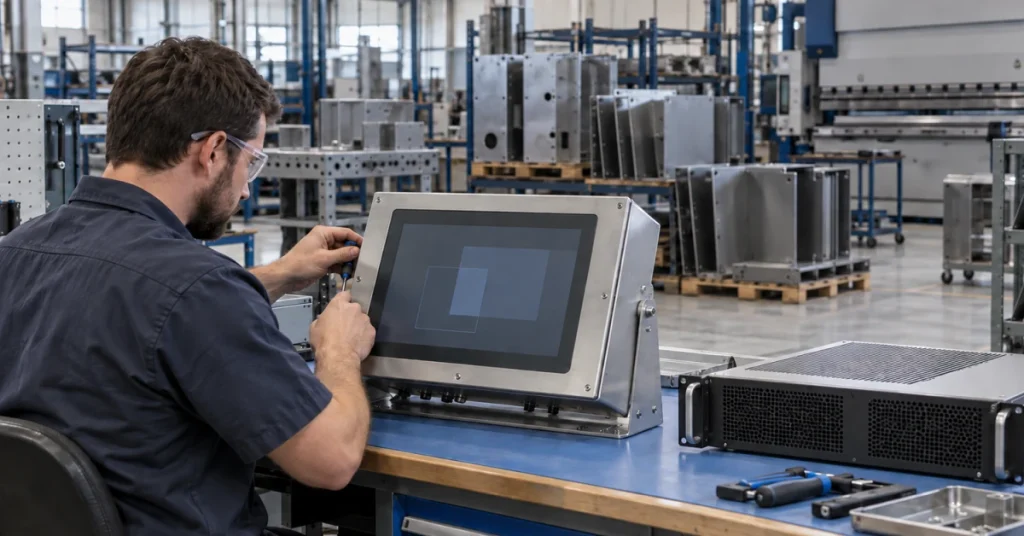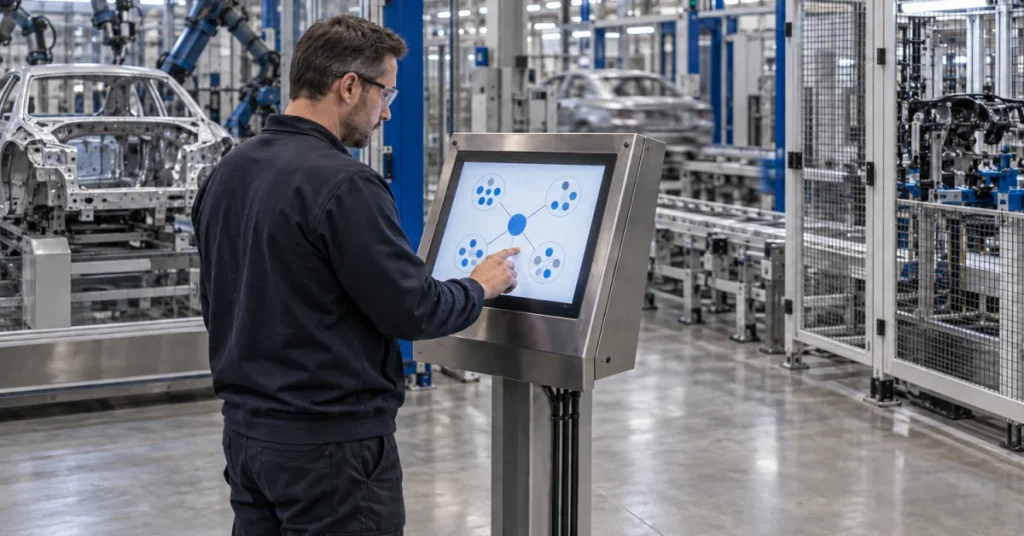
What is an HMI? The letters stand for human machine interface, which the National Institute of Standards and Technology (NIST) defines as the hardware or software through which an operator interacts with a controller. On a production line, the HMI is where operators and engineers monitor the process and configure set points. The device itself can be anything from a physical control panel with buttons and indicator lights to an industrial personal computer (PC) with a color graphics display running dedicated HMI software.
Dynics designs and manufactures industrial panel PCs and other HMI hardware in the United States, so this guide is written from the hardware side. Most of it covers the device that hangs on the machine. A front rating on a panel-mount unit, for one, holds once the unit is mounted in an enclosure with that rating.
HMI hardware in brief
- An HMI gives operators their view of the process and works beside the controller.
- Check whether a rating covers the front bezel or the whole enclosure.
- The two main enclosure rating systems cannot be converted into each other.
- Default passwords and internet exposure are the openings a December 2025 federal advisory reports.
The HMI, the PLC and SCADA Side by Side
Operators and engineers use the HMI to monitor and configure set points, control algorithms and controller parameters, as NIST describes it in SP 800-82 Revision 3, its guide to operational technology (OT) security. Disabling all external communications to a programmable logic controller (PLC) may also cut off the HMIs associated with it, the guide cautions.
The International Electrotechnical Commission (IEC) standard for programmable controllers, IEC 61131-1, lists HMIs among the PLC’s peripherals. In Dynics’ view, a PC-based HMI complements the PLC, which keeps the control role. For smaller PLC-based configurations, NIST describes topologies that generally lack a central control server or HMI and mainly provide closed-loop control with minimal human involvement, while larger systems use PLCs inside SCADA and distributed control systems (DCS).
Supervisory control and data acquisition (SCADA) works at a larger scale, letting an operator monitor or control an entire system from a central location in near real time. Buying an HMI does not give a plant a SCADA system, because HMI software is only one of the pieces NIST lists inside it.
Hardware Choices That Shape an Operator Station
Panel-Face, Overhead or Pedestal Mounting
The first split is how the unit attaches to the machine. Dynics describes an industrial panel PC as a display and a computer in one sealed unit that mounts through the face of a machine panel or enclosure. Its PV-Xi series of PC-based HMI units, offered with a choice of processor options, is listed as suitable for mounting on a flat surface of an enclosure. The EW all-in-one takes the other route, with overhead and pedestal mounting in a metal enclosure of its own.
Screen Size, Orientation and Touch Type
Dynics builds panel PCs from 7 to 32 inches. Match screen size to the machine and the viewing distance. FlexPanel Pro, a dedicated HMI unit, comes in five sizes from 12 to 24 inches. It can be set in either orientation and ordered with a projected capacitive (PCAP) or a resistive touchscreen.
Fanless Design
Dynics explains that a fanless PC has no fan drawing outside air through a vent, so dust and moisture have no open path to the components inside. It also states that moving parts, fan bearings included, are the first to fail under sustained mechanical stress. The PV-Xi series and the HW integrated PC are both fanless. Protection then rests on the chassis rating, which the Dynics guide to fanless industrial PCs compares in more detail.
The Runtime It Ships With
PV-Xi can ship with Dynics’ ProViewDS HMI runtime preloaded, either licensed with runtime or unlicensed with a trial. Confirm the license before the station reaches the line. FlexPanel Pro supports Dynics’ ProView.HMI and ICS360.Fusion software.
Screen Design and ISA-101
When the order goes in, ask who will design and maintain the screens that runtime displays. ISA-101, from the International Society of Automation (ISA), frames HMI work as a lifecycle that spans design, implementation, operation and continuous improvement. Its focus areas include human-centered design, display structures and operator training, according to ISA, which states that the standard applies across continuous, batch and discrete industries.
Local or Centrally Managed
Where the HMI application lives is a choice for the plant’s own setup. Thin-client computing is a server-centric model in which application software, data and processing power reside on a network server instead of the client, as a telecommunications standards glossary defines it for computing in general. Dynics offers thin-client-enabled industrial PCs, HMIs and integrated workstations for plant-floor visualization and centralized application management.
Ratings That Cover the Front Bezel or the Whole Enclosure
What IP Codes and NEMA Types Describe
The IEC developed the ingress protection (IP) ratings to grade an enclosure’s resistance to dust and liquids, with a first digit for solid objects that runs from 0, no protection, to 6, no ingress of dust. The second rates liquids from 0 to 9. IP65 and IP66 share the dust digit and differ only in the water digit. Both 5 and 6 are water-jet levels, and the IEC sends readers to IEC 60529 for where the line between them falls and how each is tested.
Enclosure types from the National Electrical Manufacturers Association (NEMA) follow a separate system. According to NEMA, IEC designations cannot be exactly equated with its enclosure types, and even its own comparison table cannot convert an IP code into a NEMA type. IEC 60529 leaves corrosion to the relevant product standard, whereas the NEMA enclosure standard tests for corrosion, rust and icing among other conditions, by NEMA’s account. These type definitions come from NEMA’s 2005 summary of NEMA 250-2003.
Panel-Mount Units and Fully Sealed Units
Dynics lists PV-Xi as UL 50E compliant and suitable for mounting on a flat surface of an enclosure rated Type 3R, 3S, 4, 4X, 5 and/or 12. The SW-Xi widescreen panel PC carries a NEMA 4/4X rating on its front bezel and has a fanless chassis with no moving parts.
On the HW, EW and HSW units the rating belongs to the enclosure that holds the whole computer. HW is an integrated PC in a fully sealed metal enclosure rated IP65. The EW all-in-one uses a metal enclosure rated NEMA 4 / IP65. The HSW sealed stainless steel workstation pairs an IP66 enclosure with NEMA 4X stainless steel 316 and operates from 0 to 45 °C (32 to 113 °F). Dynics positions HSW for food grade applications in caustic environments.
Match the Rating to the Station
A front bezel rating holds only inside an enclosure with that same rating, so ask a Dynics engineer whether your station needs that pairing or a unit rated as a whole.
A 2025 Advisory on HMI Attacks and Safeguards That Fit Production
Pro-Russia hacktivist groups targeted HMI devices connected through virtual network computing (VNC), according to a joint advisory from the Cybersecurity and Infrastructure Security Agency (CISA), AA25-343A. First issued December 9, 2025, it was last revised December 18, 2025. Less secure devices exposed to the internet, typically with default, weak or missing passwords, let the groups in.
From the HMI screen, the groups changed physical parameters and set points, then cleared both the alarms their activity caused and those already present. Changing usernames and passwords to lock operators out usually caused a loss of view and a switch to manual operations. No injury had resulted as of the December 18 revision, the advisory states.
OT systems are often delivered with default passwords that are easy to guess or research, and NIST’s guide recommends changing all of them. Removing OT connections to the public internet is one of the primary mitigations in a May 2025 fact sheet from CISA and other agencies, which calls connected OT devices easy targets. Securing remote access is on the same list, as is segmenting information technology (IT) and OT networks, which by the fact sheet’s account reduces the risk of disruption to OT operations.
Where a newer HMI carries an unused web server or Secure Shell (SSH) server, NIST advises disabling it. Cutting a needed service has its own impact, the guide warns. Antivirus goes on a backup HMI first, with performance confirmed before it reaches the primary. Log-in is a trade-off too, since operators may need immediate HMI access in an emergency and entering credentials takes time.
CISA’s advisory recommends backing up HMI engineering logic, configurations and firmware for fast recovery. Limiting remotely accessible or default accounts to view-only “removes the potential for impact without exploiting a vulnerability,” in the advisory’s words. Manual operation is a separate item in the May 2025 fact sheet, which advises keeping that ability and practicing it.
Confirm These Points Before You Order HMI Hardware
Marketing terms such as waterproof or water-resistant can be hard to assess, the IEC notes. The runtime and its license appear among the PV-Xi ordering options. Which IP code or NEMA type the location needs, and whether corrosion is a concern, depend on the site. Passwords, network exposure and the upkeep of the screens rest with the plant.
- Does the rating cover the front bezel or the whole enclosure, and if only the front, what does the mounting enclosure carry?
- Which IP code or NEMA type does the location need, and is it stated directly, without a conversion?
- Is corrosion a concern, and if so, does the unit carry NEMA 4X and what is the enclosure made of?
- How does it mount, through the face of a panel, overhead or on a pedestal?
- Which screen size, orientation and touch type fit the machine and the operator’s position?
- Is it fanless, and which enclosure rating protects the chassis?
- Which HMI runtime ships on it, and is the license included?
- Who will design and maintain the screens, and will that work follow ISA-101?
- Will it run its application locally or as a centrally managed thin client?
- Are default passwords changed and unused web or SSH services turned off?
- Is the station off the public internet, with remote access secured and limited to view-only where possible?
Questions Engineers Ask Beyond What Is an HMI
What does HMI stand for?
HMI stands for human machine interface. The NIST glossary entry for human machine interface takes its definition from NIST SP 800-82 Revision 3. The same words appear in the title of the ISA standard for the field, ISA-101.01-2015, Human Machine Interfaces for Process Automation Systems.
What is the difference between an HMI and a PLC?
An HMI lets a person work with a programmable logic controller (PLC), which does the controlling. Inside a distributed control system (DCS), PLCs act as local controllers within a supervisory control scheme, as NIST describes it, where the output of one controller or computer program becomes the input to others.
Is an HMI the same as SCADA?
An HMI is one of several parts of a supervisory control and data acquisition (SCADA) system. A SCADA control center holds the HMI alongside engineering workstations and the data historian, all connected by a local area network (LAN), according to NIST. SCADA adds the data acquisition and transmission that carry field information to that center.
What is HMI software?
HMI software is the dedicated program at the PC end of the HMI range, where NIST places an industrial PC with a color graphics display running it. The same kind of software sits inside SCADA systems, combined with data acquisition and data transmission. Dynics’ PV-Xi series can ship with the ProViewDS HMI runtime preloaded and licensed with runtime in 20, 35 or 90 page-count versions. Its default option is preloaded and unlicensed, with a 60-day trial included.
What is an HMI panel?
An HMI panel is the hardware an operator touches. At its simplest it is a physical control panel with buttons and indicator lights, the low end of NIST’s HMI range. An industrial panel PC is the computer-based form. IEC 61131-2 lists industrial PCs and industrial panel PCs in its scope beside PLCs, setting functional and electromagnetic compatibility requirements and tests for that equipment.
What is an HMI used for in manufacturing?
On a manufacturing line, the HMI is the operator’s station for watching and adjusting the process, and it also displays process status and historical information, NIST notes. A typical operational technology system contains many control loops and HMIs, along with remote diagnostics and maintenance tools.
Request a Quote for Your Operator Station
Describe where the station will mount and what the area exposes it to, so the request spells out the hardware your line needs.